

Remove BG: How to Remove Backgrounds From Images
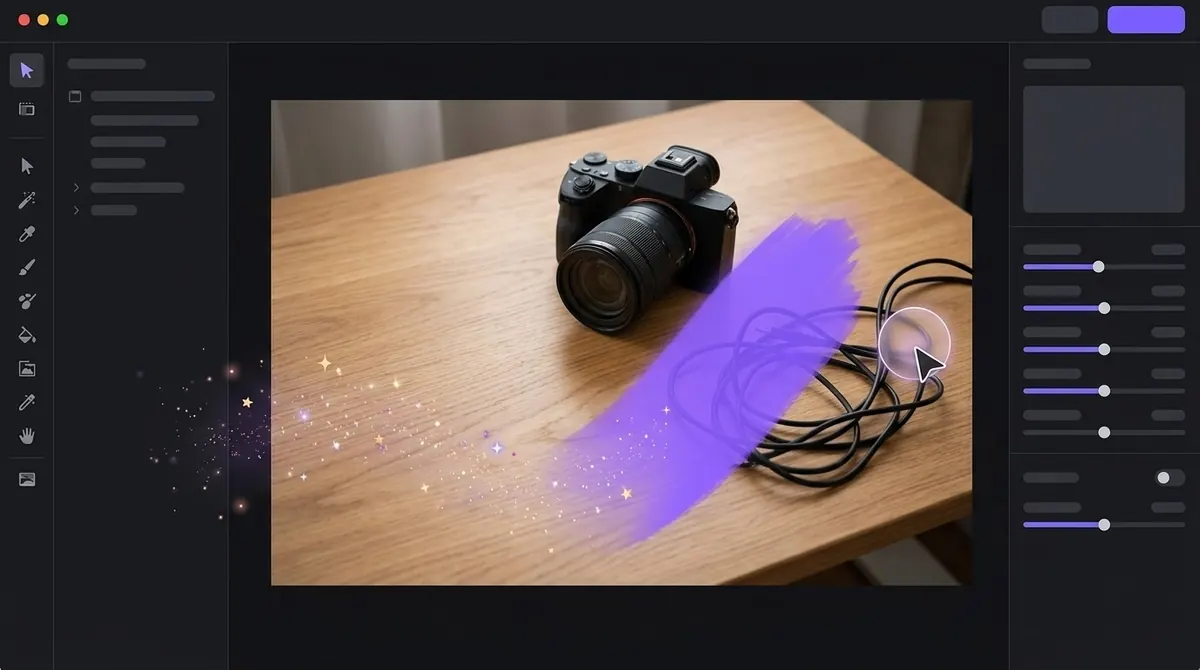
"Remove bg" is how most people type it into a search box: take the background out of this picture. It covers everything from cutting a product out for a shop listing to making a profile photo transparent.
A note on names: remove.bg is also the name of one specific online service, and the term is a trademark of its owner. This page is about the general task. We are not affiliated with that service.
Three ways to remove the bg from an image
1. An AI background remover
You give the tool an image, a neural network finds the subject, and you get a cutout back, usually in a few seconds. This is the best default for photos of people, products and animals. Details in our AI background remover guide.
Choose this when: you want speed and the subject is clearly separated from the background.
2. A built-in feature on your computer
Recent versions of macOS and Windows both include some form of automatic subject cut-out in their image apps. The exact menu names change between versions, so check your version's documentation. On a Mac, see how to remove a background on Mac.
Choose this when: it is a one-off and you do not want to install anything.
3. Manual selection in an image editor
Editors such as Photoshop, Affinity Photo or GIMP let you select the subject yourself with pen, lasso or quick-selection tools and then mask or delete the background. See background remover vs Photoshop.
Choose this when: the image is complicated, you need pixel-level control, or automatic results have failed.
What affects the quality of the result
- Contrast. A dark subject on a light wall is easy; a grey coat on a grey wall is hard.
- Edge detail. Hair, fur, lace and foliage have thousands of tiny edges.
- Transparency. Glass, water, smoke and veils are partly see-through, which is hard for any tool.
- Resolution. Very small or heavily compressed images have blurry edges to work with.
- Shadows. A hard shadow on the ground can be mistaken for part of the subject.
After you remove the bg
Decide what the subject goes on next:
- Transparent for design work, websites and slides. Save as PNG or WebP.
- A solid colour, usually white for product listings. See white backgrounds for product photos.
- A new scene or backdrop image.
Removing the bg from many images
If you have more than a handful, doing them one at a time is the slowest option. A batch workflow processes the whole folder at once. See bulk background removal and how to remove the background from multiple images.
Frequently asked questions
What does remove bg mean?
It is shorthand for remove background: taking the subject out of an image so the background is deleted or replaced.
How do I remove the bg from a photo for free?
Use a built-in feature on your computer, a free tier of an online tool, or a free trial of a desktop app. Free options usually come with limits on resolution, count or features, so read the terms first.
Why does my cutout have a white edge?
That is usually a halo of leftover background pixels around the subject. Try a different model, use matting if available, or choke the edge slightly. Check the result on a dark background to spot it.
Can I remove the bg from a screenshot or logo?
Yes. For flat graphics with solid colours, a simple colour-based selection often works better than AI. For photos, use an AI tool.

Need to do this for a whole folder?
BG Remover Pro is the Mac app we make. It removes backgrounds in bulk, on your Mac, with nothing uploaded, and you can try 20 images free. See pricing or what it does.