

How to Create White Background Product Photos
Part of the guide: Product background removal
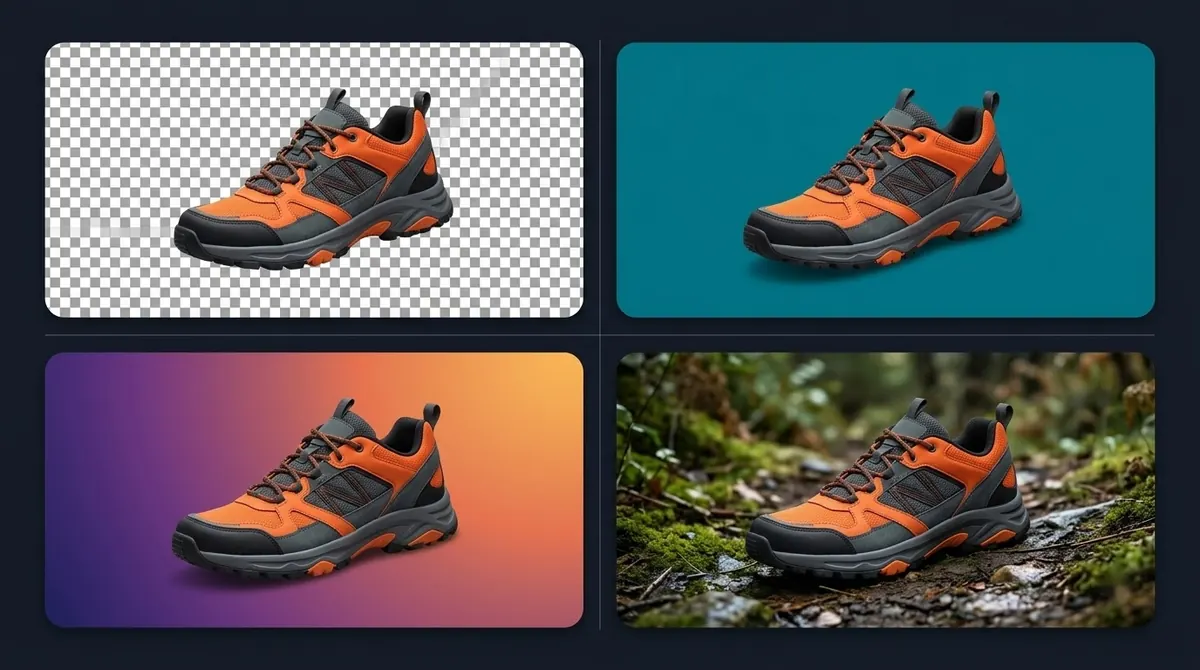
A white background keeps attention on the product and is often required for a marketplace's main image. Here is a reliable process.
1. Shoot for an easy cutout
- Use a plain, evenly lit backdrop. White, grey or a colour that contrasts with the product.
- Light the product so the edges are clear. Avoid harsh shadows on the backdrop.
- Shoot at high resolution and keep distance and angle consistent.
- Keep the product centred with some space around it.
2. Remove the background
Use an AI background remover on the full-resolution file, then check edges at 100%. Hard cases are glass, chains, hair and fine mesh. See product background removal for category tips.
3. Fill with pure white
Pure white means RGB 255, 255, 255, not "nearly white". Off-white backgrounds can look grey next to a marketplace's white page. If the tool exports transparency, place the cutout on a white fill. BG Remover Pro can fill with a solid colour, and when a transparent image is exported as JPEG it fills the background with white.
4. Add a soft shadow (optional)
A product on pure white with no shadow can look like it floats. A soft, low-opacity shadow underneath grounds it. Apply the same shadow to every product so the catalogue looks uniform.
5. Check marketplace rules
Rules differ and change. Amazon's guidance has asked for a pure white background and for the product to fill most of the frame, with a minimum size for zoom. Shopify has recommended consistent, square images up to about 2048 pixels. Confirm the current rules in each platform's own help pages before bulk-processing.
6. Export correctly
- JPEG at high quality for the final white-background image.
- PNG for a transparent master you keep for other uses.
See PNG vs JPG.
Doing a whole catalogue
Process everything in one batch with the same settings so shadows, margins and white levels match. See bulk background removal.
Frequently asked questions
How do I make a product photo background white?
Remove the background, then place the cutout on a pure white fill and export. Many background removers can fill with white directly.
What is pure white?
RGB 255, 255, 255, or hex #FFFFFF.
Do I need a transparent PNG for white background photos?
Not for the final image, but keep a transparent master so you can reuse the product on other colours.
Does Amazon require a white background?
Amazon has asked for a pure white background on main product images. Check Seller Central for the current requirements.

Need to do this for a whole folder?
BG Remover Pro is the Mac app we make. It removes backgrounds in bulk, on your Mac, with nothing uploaded, and you can try 20 images free. See pricing or what it does.