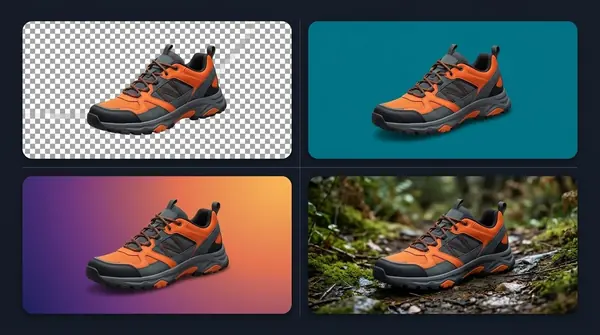

Product Background Removal: Clean Photos for Shops and Marketplaces
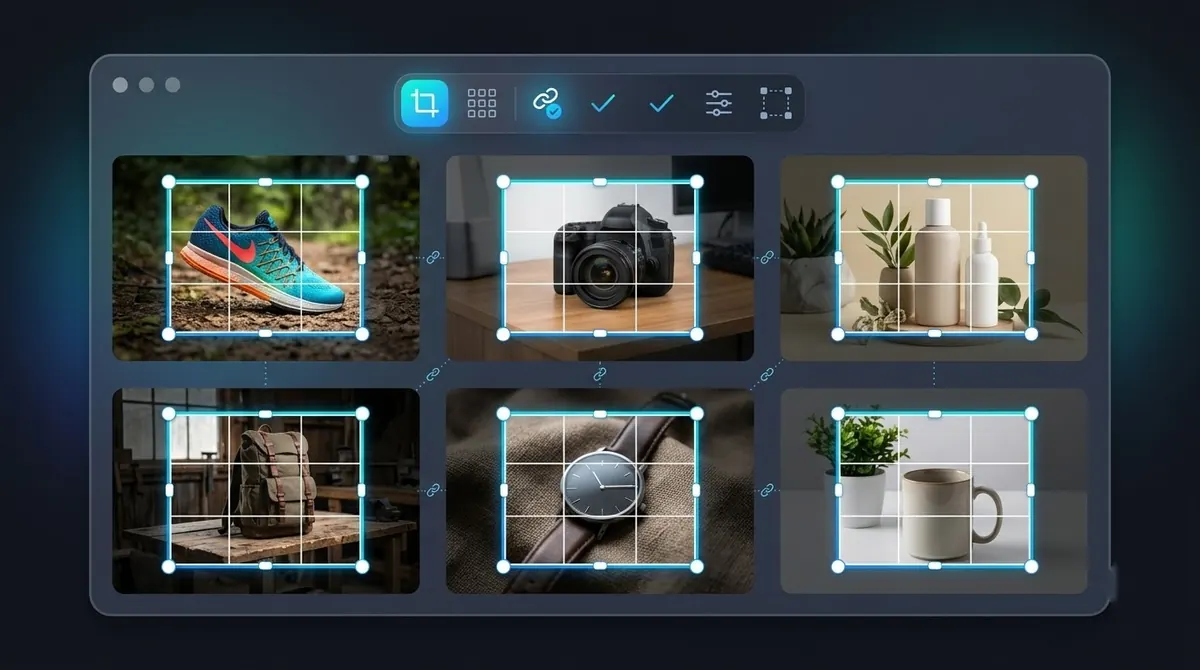
Clean product images raise the perceived quality of a listing, and many marketplaces require a plain background for the main image. Removing the background is the first step in getting there.
Transparent or white?
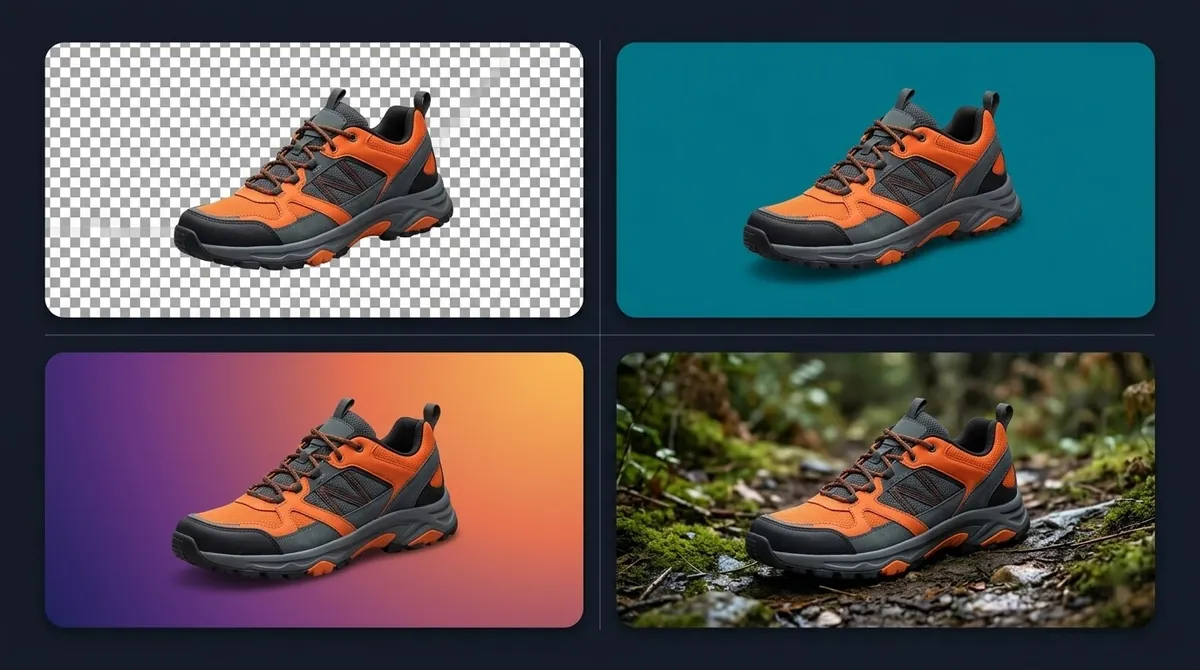
| Output | Use it for | Notes |
|---|---|---|
| Pure white (RGB 255, 255, 255) | Marketplace main images | Export as JPEG or PNG on white |
| Transparent PNG or WebP | Your own site, banners, mock-ups | Lets you place the product on any colour |
| Coloured or scene backdrop | Social and ads | Keep a transparent master to reuse |
Marketplace rules change, so check the current image guidelines in your seller account. For example, Amazon's guidance has asked for a pure white background on main images and a product that fills most of the frame, but confirm the current requirements in Seller Central rather than relying on a blog post, including this one. See white backgrounds for product photos.
Start with a photo that cuts out well
- Shoot against a plain, evenly lit backdrop, ideally contrasting with the product.
- Keep the product sharp and avoid motion blur.
- Light from the side or above so edges are clearly defined.
- Shoot at the highest resolution your camera allows.
- Keep camera distance and angle consistent for the whole set.
Category tips
Shoes and bags. Watch laces, handles and gaps between straps. Check the sole where it touches the ground, because a hard shadow can be kept as part of the product.
Clothing. Flat-lay shots cut out easily. Photos on mannequins are trickier because the mannequin must be removed too; for the hollow inside of a garment, photographers shoot twice and combine ("ghost mannequin").
Electronics. Glossy screens and metal reflect their surroundings, which can confuse the mask. A matte, plain backdrop helps.
Jewellery. Tiny parts, chains and reflections are the hardest case. Check chain gaps and gem edges at 100%.
Cosmetics and bottles. Transparent or frosted glass lets the background show through, so plan on a backdrop of a similar tone rather than full transparency.
Furniture. Thin legs and cut-outs need checking. Add a soft shadow beneath so the piece sits on a floor instead of hovering.
Accessories. Sunglasses and glasses combine glass and thin frames, so check both.
Do the whole catalogue at once
Consistency is the thing shoppers notice. If product A has a soft shadow and product B none, the shop looks unfinished. Process everything in one batch with the same settings. See bulk background removal.

Checklist before you publish
- View every cutout on both a light and a dark background to find halos.
- Check every edge at 100%.
- Confirm the size and aspect ratio required by each marketplace.
- Keep the original and a transparent master of every product.
BG Remover Pro, our Mac app, handles whole product folders with a single batch and can export transparent PNG or fill with a solid colour. It runs on Apple Silicon Macs and nothing is uploaded.
Frequently asked questions
How do I remove the background from product photos?
Use an AI background remover on the full-resolution photo, check the edges, then export on transparent or white. For many photos, run them as one batch.
Should product images have a transparent or a white background?
Marketplaces typically want white for the main image. Keep a transparent version too, so you can reuse the product anywhere.
How do I keep a shadow after removing the background?
Add a soft, subtle shadow beneath the product after the cutout, rather than keeping the original shadow, so it looks the same across all images.
Can AI remove the background from jewellery and glass?
It can handle simple pieces but struggles with fine chains and transparent glass. Check those edges closely, and expect touch-ups.

Need to do this for a whole folder?
BG Remover Pro is the Mac app we make. It removes backgrounds in bulk, on your Mac, with nothing uploaded, and you can try 20 images free. See pricing or what it does.