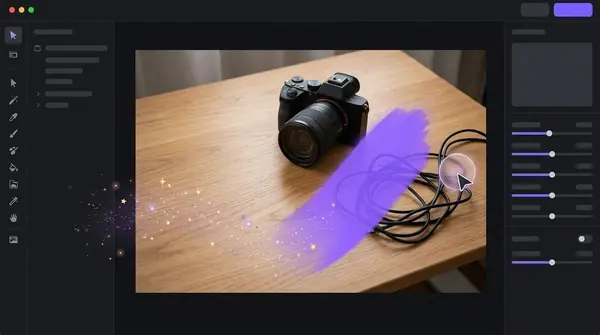

How to Remove the Background From an Image
Part of the guide: Remove background
Here are three reliable ways to remove the background from an image, with the steps for each. Pick by how many images you have and how much control you need.
Method 1: An AI background remover (fastest)
- Open your image in the tool. Use the largest original you have.
- Choose a model if the tool offers one: people or portrait for photos of people, general for objects.
- Run the removal. It takes a few seconds per image.
- Check the edges at 100%, especially hair, hands and gaps.
- Choose the output. Transparent for design use, or a solid colour such as white.
- Export as PNG (or WebP) to keep transparency.
If your tool offers alpha matting, switch it on for hair and fur.
Method 2: Your computer's built-in feature
Recent macOS versions can remove a background from an image in Preview or from a Finder quick action. Menu names differ between versions, so see how to remove a background on a Mac. Windows photo apps have similar subject-cutout features in some versions.
This is the easiest method for one image, but it gives little control over the result.
Method 3: Manual selection in an image editor
- Open the image in an editor that supports layers and masks.
- Select the subject with a quick-selection or pen tool. Most editors also have a one-click "select subject" that works well as a starting point.
- Refine the edge, feathering slightly for natural softness.
- Apply the selection as a layer mask rather than deleting pixels, so you can fix mistakes later.
- Export as PNG.
See background remover vs Photoshop for when this is worth the effort.
Check your result properly
- Put it on a dark background and a light one. Halos only show up against the opposite colour.
- Zoom to 100%. Mistakes at the edges are invisible when zoomed out.
- Look in the gaps. Between arms and body, inside handles and loops.
Save in the right format
Use PNG or WebP if you want transparency, JPEG only if you are putting the subject on a solid colour. A transparent image saved as JPEG turns into a coloured box. More in PNG vs JPG for transparent images.
Doing many images?
Repeating these steps for each file is slow. Use a batch tool instead: how to remove the background from multiple images.
Frequently asked questions
What is the fastest way to remove a background from an image?
An automatic AI background remover. It detects the subject and gives you a cutout in seconds.
How do I remove a background without losing quality?
Start from the original resolution and export as PNG, which is lossless. Avoid re-saving as a heavily compressed JPEG.
Why is there a halo around my cutout?
Leftover pixels from the old background. Try a different model, matting or a slight edge contraction.
Can I remove the background and replace it?
Yes. After cutting out the subject, place it on a solid colour, gradient or any backdrop image.

Need to do this for a whole folder?
BG Remover Pro is the Mac app we make. It removes backgrounds in bulk, on your Mac, with nothing uploaded, and you can try 20 images free. See pricing or what it does.