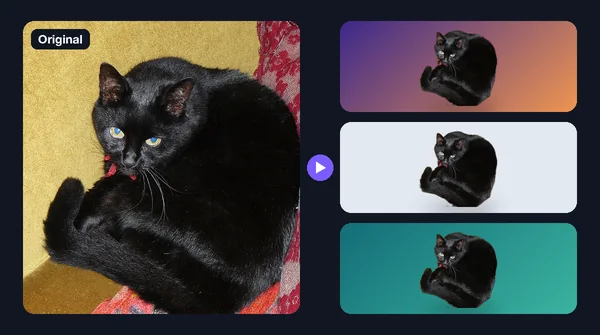

Bulk Background Changer: Change Many Photo Backgrounds at Once
Part of the guide: Bulk background removal
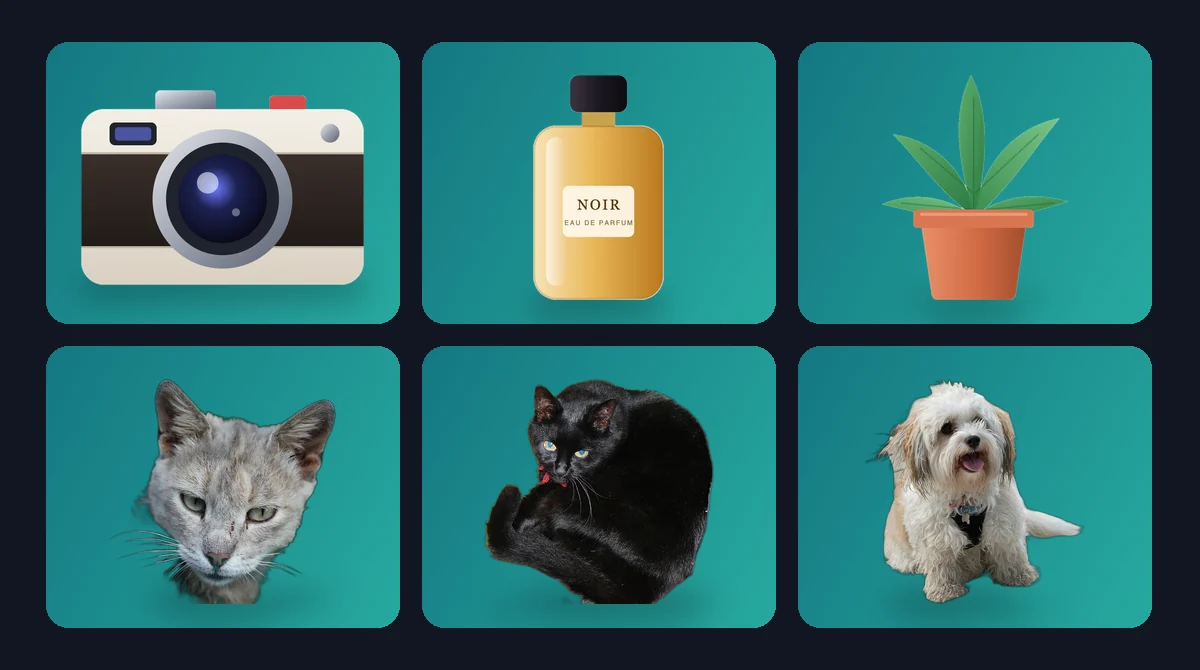
Changing one photo's background is a cut-and-paste job. Changing the background on 100 photos so they all match (a product range on the same grey, a team on the same brand colour) needs a tool that does it in one run. This guide explains how a bulk background changer works and how to get a consistent set. For a single photo, see how to change the background of a photo.
How a bulk background changer works
For every image in the batch, the tool:
- Cuts out the subject with a background-removal model.
- Places it on the new background you chose for the batch.
- Exports the result in your chosen format.
The new background is the same for every image, which is what makes the set look consistent.
Choosing the new background
| New background | Good for | Watch out for |
|---|---|---|
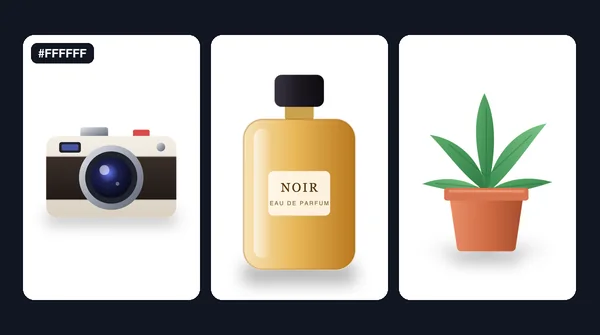
| Pure white | Marketplace and catalogue listings | Halos are hard to spot; check on dark first |
| Light grey or brand colour | Store pages, team pages, social posts | Colour fringes from the old background |
| Backdrop image (studio, texture, scene) | Lifestyle shots, banners | Lighting and perspective that do not match |
| Transparent | Designs where the page supplies the background | Must export PNG or WebP |
Plain colours are the most forgiving. A photo backdrop looks natural only when its lighting roughly matches the subject's; a subject lit from the left on a scene lit from the right looks pasted on, and that gets more obvious across a whole set.
A bulk workflow
- Group the photos so similar subjects share settings.
- Pick the background once for the group: one exact colour code, or one backdrop file.
- If you use a backdrop image, match its shape to your photos. Many tools resize the backdrop to fit each photo, so a landscape backdrop behind a portrait photo gets stretched.
- Test on five photos, including the hardest edges (hair, fur, glass).
- Process the batch.
- Review each result on its new background, and re-run the exceptions.
- Export in JPG for solid backgrounds (smaller files) or PNG/WebP when you need transparency.
Doing it on a Mac with BG Remover Pro
BG Remover Pro is our own app, so treat this as a disclosure. It runs on Apple Silicon Macs with macOS 14 or later and processes photos locally. On Windows or an Intel Mac, use a different tool.
In one batch you can choose:
- Background: transparent, a solid colour (any hex colour), or your own backdrop image. The backdrop is resized to each photo's dimensions, so use one with a matching aspect ratio.
- Model: general, lite, people, clothing or portrait, with alpha matting for hair and fur.
- Export: PNG, JPEG or WebP, as a ZIP or into a folder.
Auto-enhance is on by default and lifts brightness, contrast and sharpness. Leave it on for casual photos, and turn it off when colours must stay true to the originals.
It is a one-time purchase with no limit on batch size, and the first 20 images are free to try.
Making the set look natural
- Shoot consistently. Same distance, same light, same angle. The source photos matter more than the tool.
- Match colour temperature. A warm subject on a cold blue background looks off. Pick a background colour that suits the lighting.
- Keep framing consistent. Crop the set to one ratio after changing the background; see batch cropping on a Mac.
- Be honest with edited photos. Changing a backdrop is fine for most uses, but do not use it to misrepresent where a product or person actually was.
Frequently asked questions
Can I change the background of multiple photos at once?
Yes. A bulk background changer removes the background from every photo in the batch and places the same new colour or backdrop image behind each one.
What is the best background colour for a batch of product photos?
Pure white is the usual choice for marketplace listings, while a light grey or brand colour works for your own store. Check your marketplace's current image rules.
Why does my backdrop image look stretched?
The tool resized the backdrop to fit each photo. Use a backdrop with the same aspect ratio as your photos.
Should I export a changed background as JPG or PNG?
JPG is fine and smaller when the new background is a solid colour or a picture. Use PNG or WebP only when you need transparency.

Need to do this for a whole folder?
BG Remover Pro is the Mac app we make. It removes backgrounds in bulk, on your Mac, with nothing uploaded, and you can try 20 images free. See pricing or what it does.