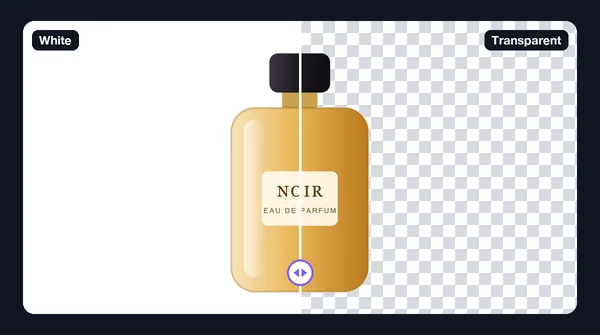

How to Remove White Backgrounds From Images in Bulk
Part of the guide: Bulk background removal
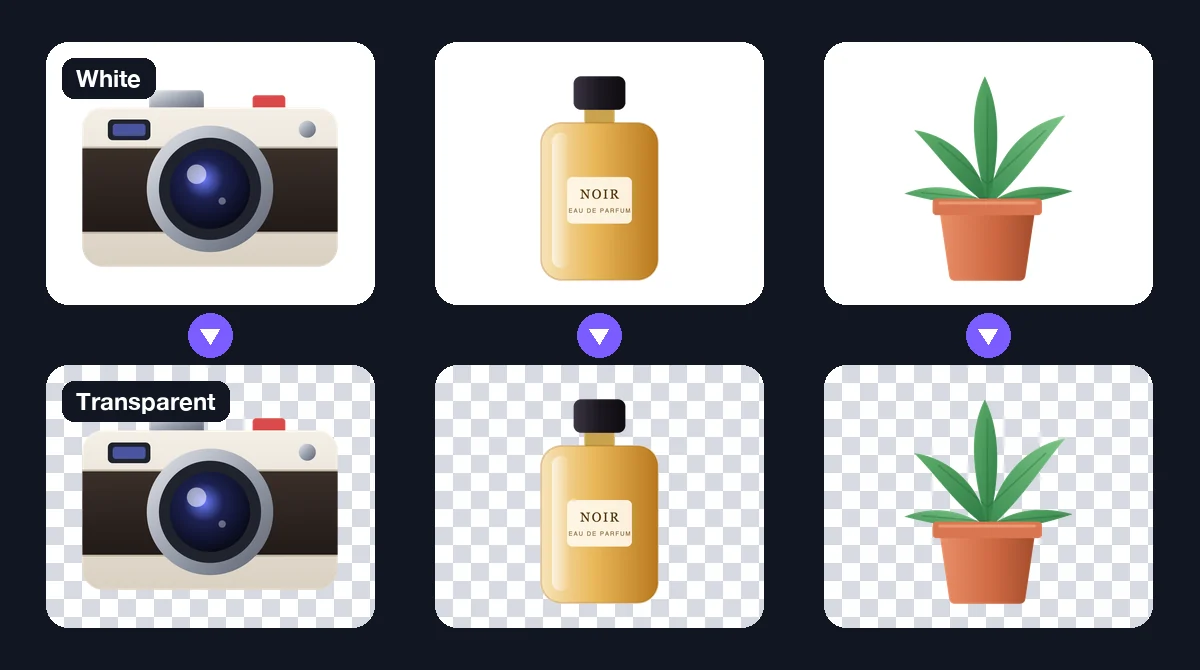
Removing a white background from one image is easy. Removing it from 200 images is a different job: you can no longer fix each one by hand, so the method has to work on most images without help, and you need a quick way to find the ones it got wrong. This guide is about that bulk job. For the single-image method, see how to remove a white background from an image.
Two ways to do it in bulk
Batch colour removal
Some editors can record an action (select white, delete, export) and replay it on a folder. This is fast and exact when the images are uniform, such as scanned line art or product shots from the same white sweep.
It breaks down across a batch in predictable ways:
- One tolerance does not fit all. A tolerance that cleans image 1 eats into a light-coloured product in image 40.
- Shadows and gradients stay behind. A white sweep is rarely perfectly white at the edges or under the product.
- White parts of the subject disappear. A white label, a white shirt, or a highlight on glass gets removed with the background.
Batch AI background removal
An AI model works out the subject from its shape, not its colour, so a white product on a white background, or a slightly grey sweep, is usually handled. The trade-off is that it can occasionally misjudge what counts as subject (a stand, a prop, a shadow), so you still review.
For mixed sets, AI is the safer default. For a large set of truly identical flat-white images, a colour action can be quicker.
A bulk workflow that works
- Collect the images in one folder and keep a copy of the originals elsewhere.
- Group similar images. Products with products, people with people. One group, one set of settings.
- Test five images first. Pick the hardest ones: a white product, something with hair or fur, something shiny.
- Choose transparent output and PNG (or WebP for smaller files). JPG cannot store transparency.
- Run the whole group.
- Review on a dark background. A white halo is invisible on a white page and obvious on dark grey.
- Re-run the exceptions with a different model or with alpha matting turned on, rather than changing settings for the whole batch.
Doing it on a Mac with BG Remover Pro
BG Remover Pro is our own app, so take this as a disclosure. It runs only on Apple Silicon Macs with macOS 14 or later; on Windows or an Intel Mac, pick a batch tool for your platform.
- Drag the folder into the queue. It imports PNG, JPG, JPEG and WebP.
- Keep the background set to Transparent and the export format to PNG.
- Pick a model (general, lite, people, clothing or portrait). Turn on alpha matting for hair and fur; it is slower.
- Press Process Batch, then check each card with its before/after slider.
- Export everything as a ZIP or straight into a folder.
One setting to know about: auto-enhance adjusts brightness, contrast and sharpness. That is usually welcome for photos, but turn it off if the colours must match the originals exactly, such as brand or catalogue images.
There is no per-image fee: it is a one-time purchase, and the first 20 images are free to try.
What to check in the results
| Problem | What it looks like | Fix |
|---|---|---|
| White halo | Thin light line around the subject on a dark background | Re-run with alpha matting, or start from a larger original |
| Holes in the subject | White label or highlight turned transparent | Use an AI model instead of a colour tool, or a different model |
| Leftover shadow | Grey patch under the product | Try another model, or erase it |
| Prop kept as subject | Stand or box still visible | Erase it, or crop it out first |
Keep it a white background instead?
If the goal is a clean white background rather than a transparent one (for example on marketplace listings), you can let the batch fill the background with pure white in the same run. See product photos on a white background in bulk.
Frequently asked questions
Can I remove white backgrounds from multiple images at once?
Yes. Use a batch background remover: add all the images, choose transparent output and PNG, run the batch, and review each result for halos and missing parts.
Is a batch "select white and delete" action good enough?
Only when every image has a flat, pure white background and the subject contains no white. Otherwise one tolerance will leave patches in some images and cut holes in others.
Why do my bulk cutouts have a white outline?
Edge pixels are a mix of white and the subject colour. Check results on a dark background, re-run those images with alpha matting, or use higher-resolution originals.
Which format should I export a batch of transparent images in?
PNG, or WebP for smaller files. JPG cannot store transparency, so the background would be filled with a solid colour.

Need to do this for a whole folder?
BG Remover Pro is the Mac app we make. It removes backgrounds in bulk, on your Mac, with nothing uploaded, and you can try 20 images free. See pricing or what it does.