
Built for batches
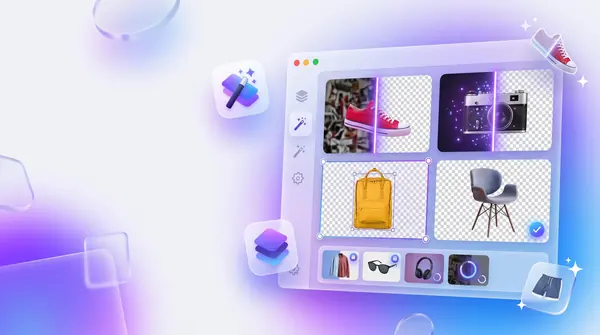
Queue as many images as you like, watch the progress, compare each result with a slider, and grab them all as a ZIP. Cancel a run halfway and pick up where you left off.
Your remove.bg alternative for Mac
Drop in one photo or hundreds. BG Remover Pro cuts out people, products and pets with on-device AI, then lets you crop, enhance and erase stray objects. No account, no credits, no uploads.
Runs 100% on your Mac · Version 1.0.0 · macOS 14 Sonoma or later · Apple Silicon
A closer look
The real app running on real photos. Nothing is mocked up.
Drop a folder in, press Process Batch, and compare every result with its own slider. Save one or download them all as a ZIP.
Demo photos are public domain (CC0) from Wikimedia Commons. Sources.
How it works
The workflow you know from online removers, minus the sign-in, the upload bar and the credits.
Drag in one photo or a whole folder's worth. PNG, JPG, JPEG and WebP, with no quantity limit.
Pick transparent, a solid colour or your own backdrop, then press Process Batch. Cancel any time.
Save single images, export everything as one ZIP, or have results written straight to a folder.
Features
Queue as many images as you like, watch the progress, compare each result with a slider, and grab them all as a ZIP. Cancel a run halfway and pick up where you left off.
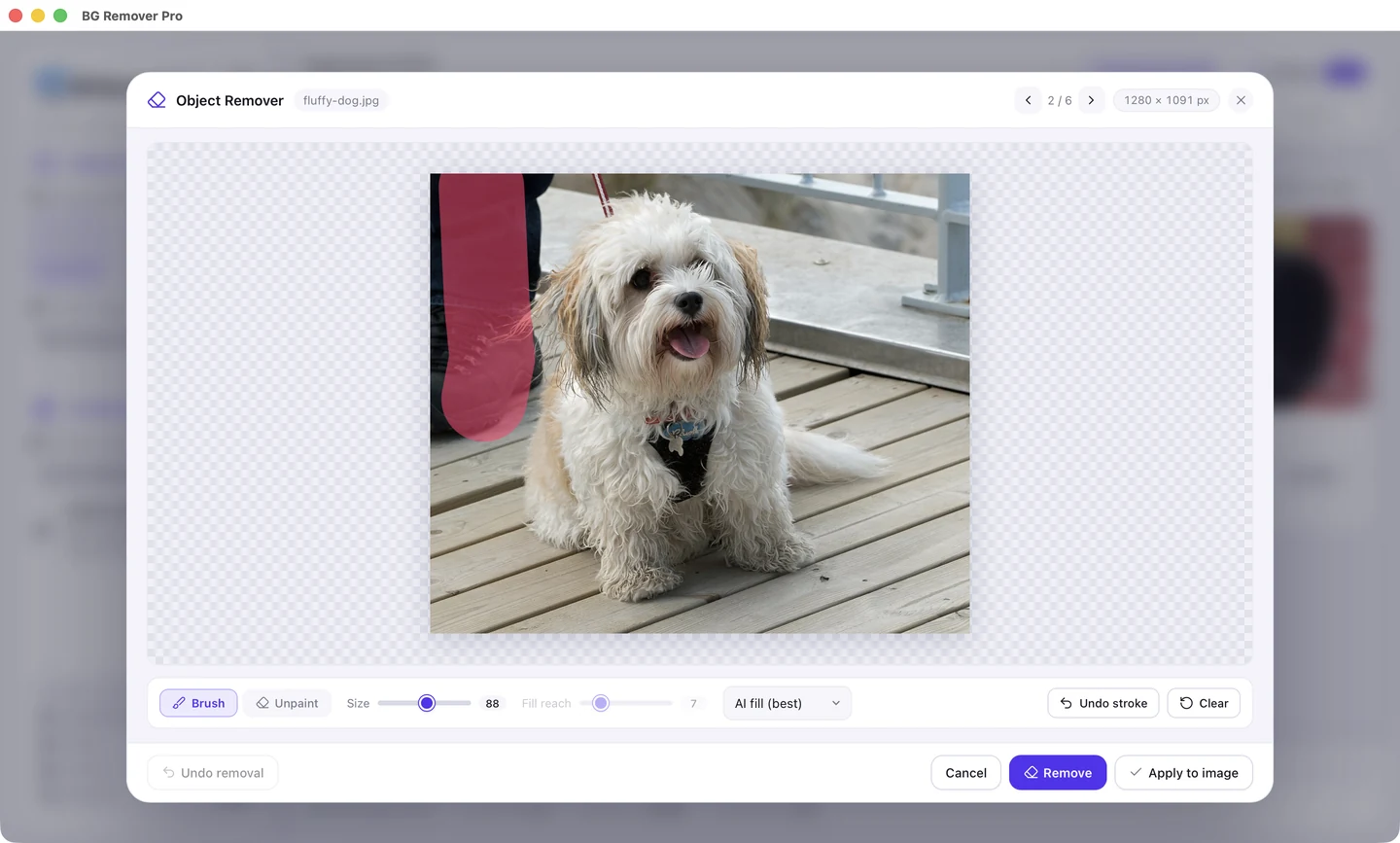
Paint over people, text, wires or blemishes and they're gone. LaMa AI rebuilds what was behind them, textures and lines included.
Keep it transparent, fill it with a colour, or drop in your own backdrop image.
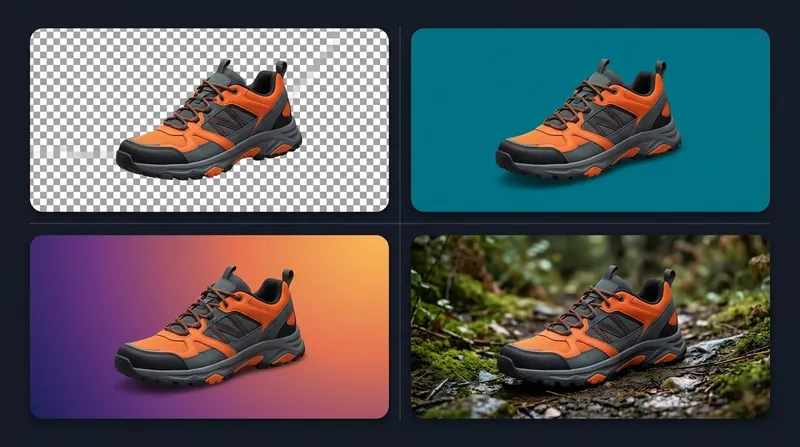
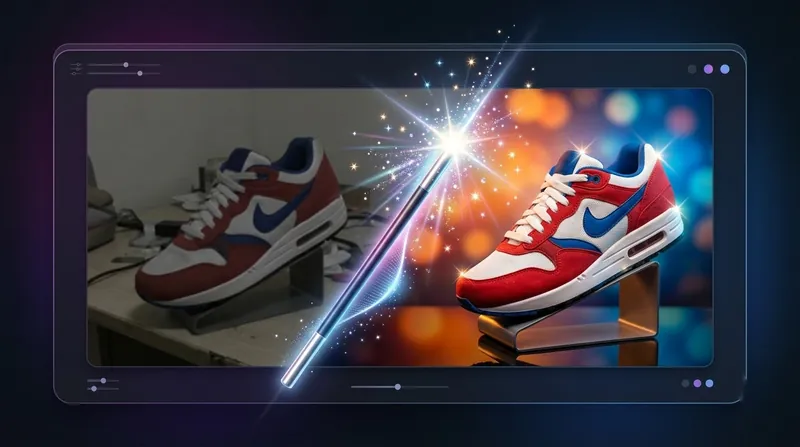
Sharpen, brighten and add clarity as each image is processed, or set brightness, contrast, sharpness and saturation yourself.
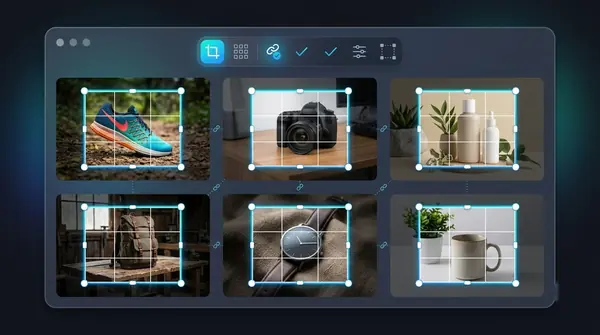
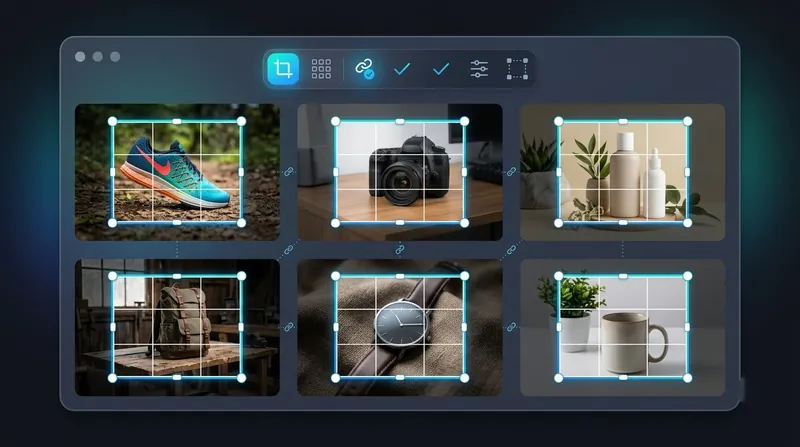
Free crop or presets like 1:1, 4:3 and 16:9. Auto-detect the subject, then apply the same crop to the whole batch.
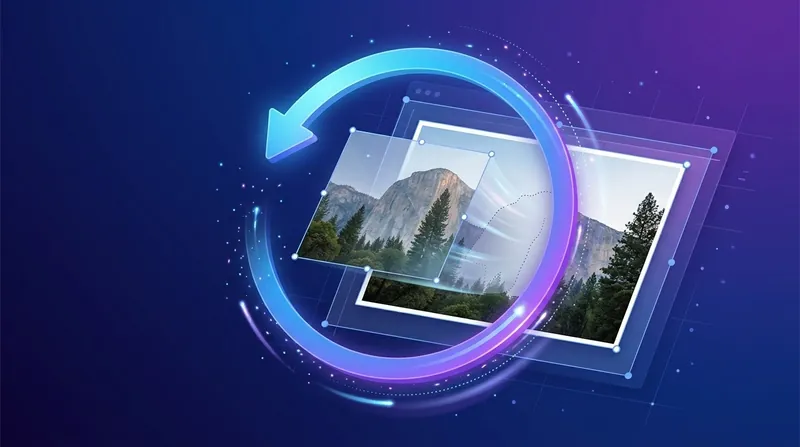
Enhance, crop and object removal can all be undone, one image or the whole batch at once. ⌘Z works too.
General, lite, people, clothing and portrait models, plus alpha matting for hair and fur.

PNG with transparency, JPEG or WebP. Download one, zip them all, or save straight to a folder.

Private by design
Most background removers upload your images to a server. BG Remover Pro runs its AI engine locally, so client work, unreleased products and family photos stay where they are.
Compare
| Feature | BG Remover Pro | Online removers | Photoshop |
|---|---|---|---|
| Photos stay on your device | Yes | Uploaded | Yes |
| No account or sign-up | Yes | Often needed | Adobe ID |
| Bulk processing + ZIP | Yes | Often paid | Scripting |
| AI object remover | Yes | Some | Yes |
| Works offline | Yes | No | Yes |
| One-click, no editing skills | Yes | Yes | No |
Pricing
No subscription, no credits, no per-image fees. The earlier you buy, the less you pay.

One-time purchase
$9.99$19.99
Try 20 images free first. No account needed.
Secure checkout by Dodo Payments. Your license key arrives by email a moment after you pay.
Already bought it? Open the setup page to download the app.
Guides
Plain-English guides to cleaner cutouts, bulk workflows and product photos.
FAQ
No. All processing happens on your Mac. The app runs a small engine that only the app itself talks to, and nothing is sent to a server.
Any Mac with macOS 14 Sonoma or later. It is built for Apple Silicon Macs (M1 and newer); Intel Macs are not supported.
Yes. Background removal, enhance, crop and export all work offline. The AI Object Remover's model (about 200 MB) downloads once the first time you use AI fill, and the simpler fill modes work right away.
There's no limit. Add as many as you like, process them as one batch, and export them all as a single ZIP or straight into a folder.
You can import PNG, JPG, JPEG and WebP, and export PNG (with transparency), JPEG or WebP.
Turn on Alpha Matting for finer edges on hair and fur, and try the People or Portrait models for photos of people. Glass, smoke and veils are hard for every background remover, this one included.
Yes. Install the app from the setup page and process your first 20 images free, with every feature unlocked and no account needed. After that, enter a license key to keep going.
After checkout your license key arrives by email, usually within a minute. In the app, click the Free trial badge in the toolbar (or Enhance → License), paste the key and press Activate. It needs internet once, then works offline.
Yes. One key works on up to 3 Macs at a time. To move it, open Enhance → License on the old Mac and click Deactivate this Mac, then activate on the new one.
No. It's a one-time purchase. You pay once and keep the app, with no credits and no per-image fees.
Open System Settings → Privacy & Security, scroll down and click Open Anyway next to BG Remover Pro. You only need to do this once.
macOS 14 or later · Apple Silicon · No account needed